STREETVZN
Photograph the World.
Whether it's places you've already been, places you plan to go, or places you can only dream of visiting, STREETVZN is your personal virtual camera to the world.
From seasoned photographers with expert equipment, to casual tourists with smart phone cameras at the ready, our photos tell stories. They show cities explored, monuments gazed, natural wonders that stir awe, roads that inspire journeys.
We take these cameras everywhere we go, and yet, we can't possibly go everywhere.
But now...our cameras can.
- Role
- Solo build · Design · Eng
- Studio
- VZN ZERO · N° 01
- Type
- Virtual camera + AI darkroom
- Status
- Live
Overview
STREETVZN is a browser-based virtual camera, built on top of Google Street View.
Many of us yearn to explore the world, with cameras in hand. But the limits of time, responsibilities and resources prevent us from even scratching the (earth's) surface of that aspiration.
With STREETVZN I hoped to satisfy at least some part of the would-be world-traveling photographer in each of us by virtually taking you to any location in the world and placing the "camera in your hands."
Whether you want to explore destinations, create brilliantly artistic images or even build an entire photo travelogue for any journey in the world, STREETVZN is controlled by your personal photographic touch.
The process starts by using Google Street View to place yourself in your desired location. But instead of navigating through a map interface, you compose images through a photographic one - your virtual camera. Choose an aspect ratio, set a focal length, frame the scene, press the shutter, and export an image that matches what you saw in the viewfinder.
Before you know it, you are emersed in the full photographic experience, anywhere in the world you want, with only your creative vision as your guide.
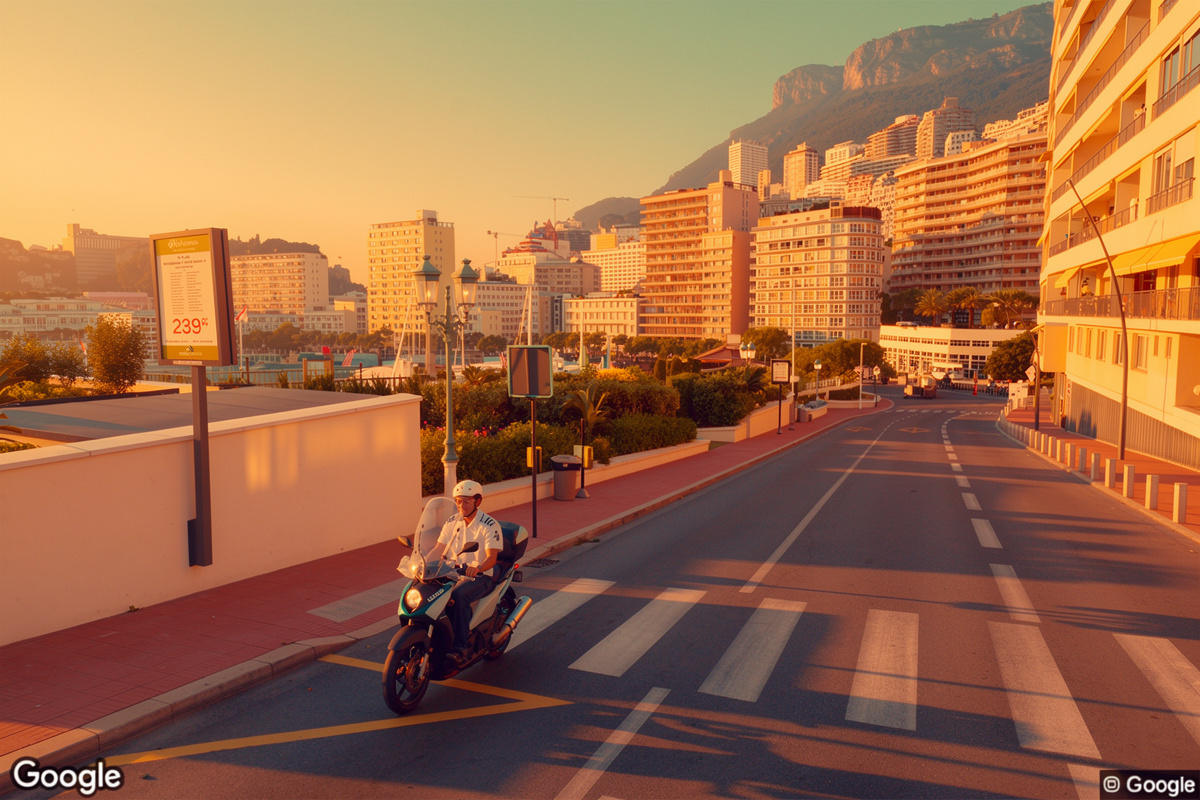
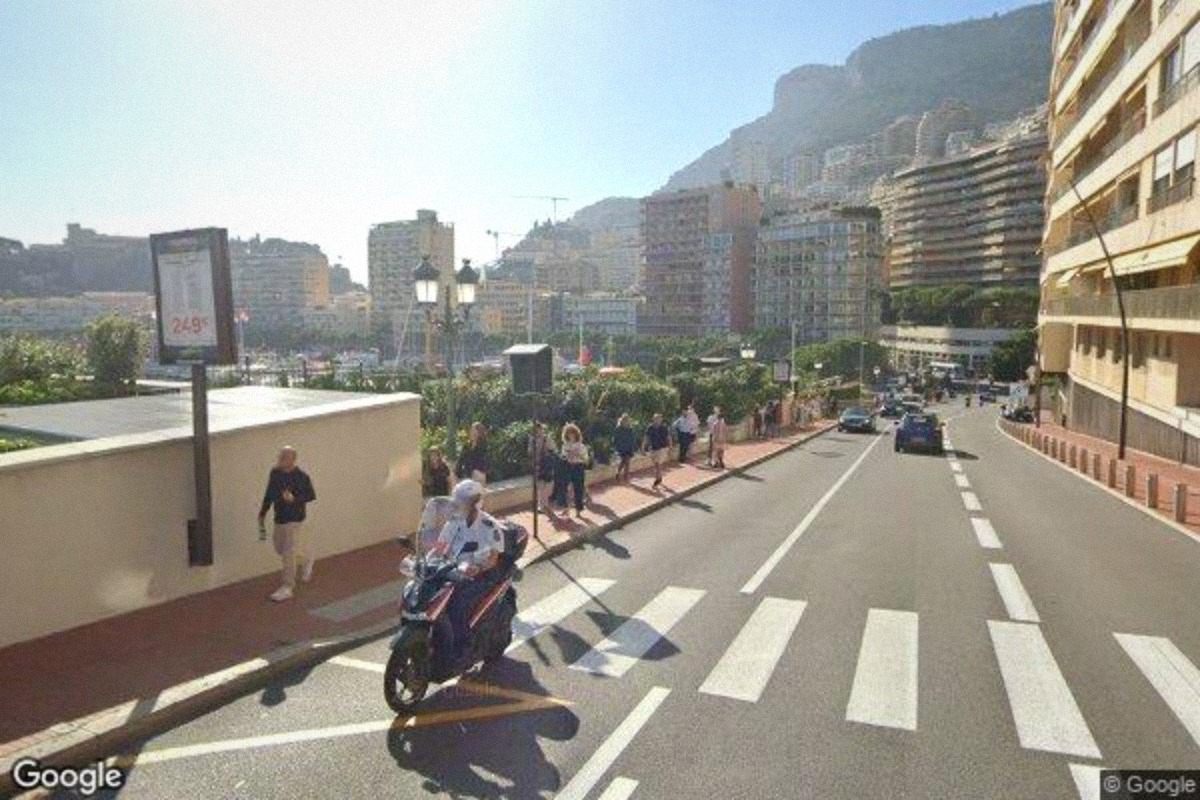
The project arc
The project began as a small experiment: can Google Street View feel like a real camera?
The goal was to create a seamless experience that felt as close to real photography as possible inside Google Street View. What you saw in the viewfinder had to be exactly what landed in the exported image - any drift in field of view, heading, pitch, or crop would break that feeling immediately.
The challenges, and fixes
Early versions failed that test. The live panorama and the Static Street View API interpreted the same lens values differently, so the viewfinder showed one image and the export produced another.
The camera was essentially lying.
So, I rewrote the lens system. Focal length now converts to a true horizontal field of view, vertical FOV is derived from the chosen aspect ratio, and the shutter reads heading, pitch, and FOV straight from the live panorama at capture. The result is a one-to-one relationship between composition and export.
Street View was also built for navigation, not photography. It snaps to roads, resets orientation mid-move, and exposes historical imagery through native controls that can't be styled. Each of those behaviors had to be controlled or rebuilt without destabilizing the underlying panorama.
The outcome
My small experiment grew into a complete photographic system with a custom viewfinder, physical lens calculations, server-side image capture, historical panorama selection, AI post-production, user accounts, storage, and credit metering.
I built the entire product end to end, including the interface, lens engine, capture pipeline, AI darkroom, authentication system, credit ledger, and deployment infrastructure.
The project breakthrough came when the first exported frame stopped looking like a Street View screenshot and started looking like a photograph. From that point forward, the project became an exercise in pushing the limits of creative storytelling and photography in a fully digital environment.
The image inside the frame matches the exported file. No crop drift, field-of-view drift, or aspect-ratio drift.
A continuous zoom system mapped to the real rendering limits of Street View rather than a fixed ladder of approximate presets.
A photographic interface for exploring Google Street View's available global and historical imagery.
What I built
One camera, five interconnected systems, and a set of shared rules that keep every part of the frame synchronized.
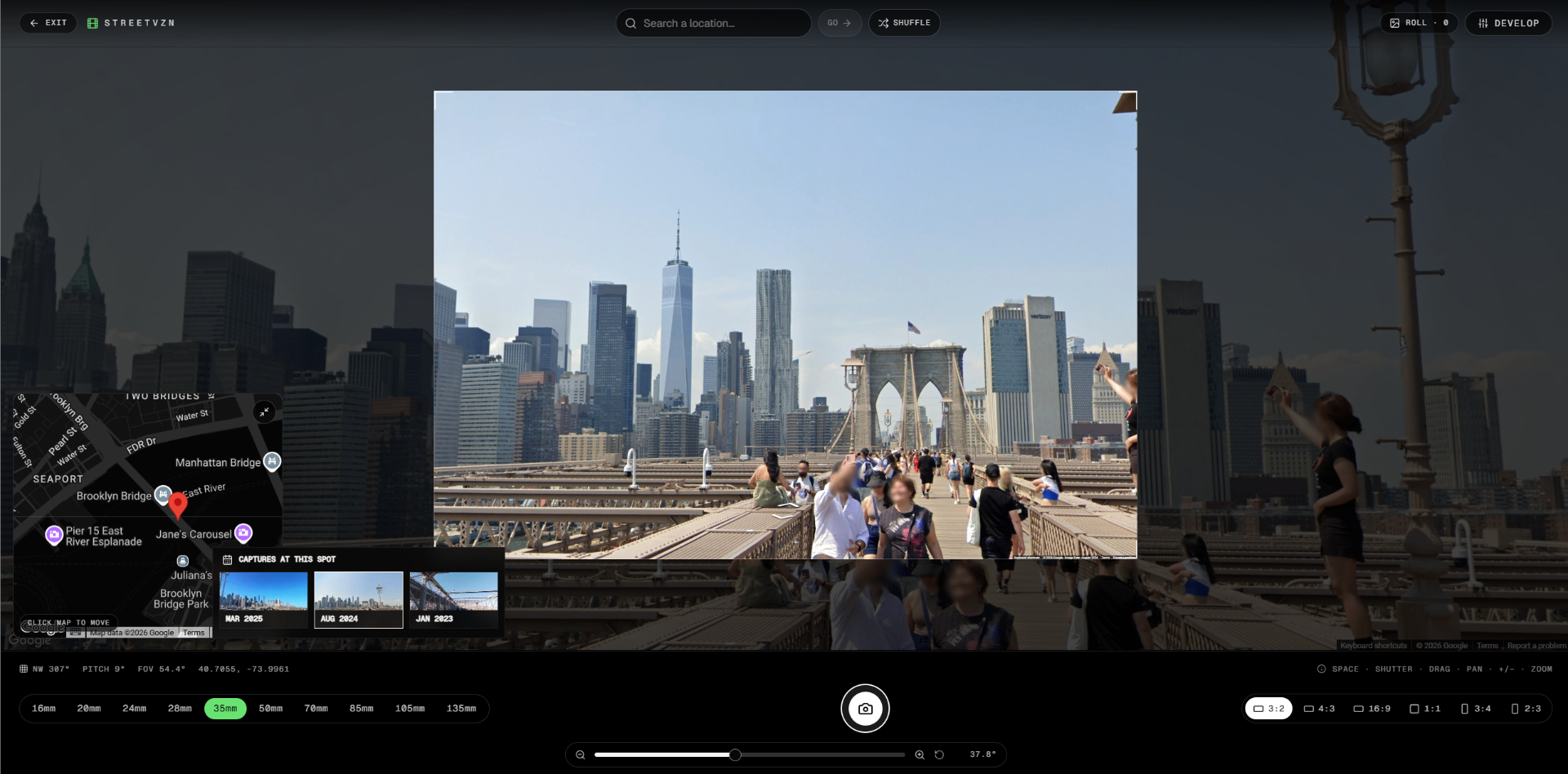
The viewfinder
A photographic viewfinder layered over a live Street View panorama.
The selected aspect ratio, focal length, and framing remain consistent regardless of browser dimensions or display resolution. The composition behaves the same on a laptop, phone, ultrawide monitor, or 5K display.
Pointer and gesture input control the panorama and the framed image as a single instrument. Dragging anywhere within the interface moves the camera without separating the background from the composition layer.
The browser window is only a surface. The frame itself is what matters.
The lens engine
A custom lens engine translates photographic focal lengths into Street View field-of-view values.
The engine calculates horizontal and vertical field of view for the active aspect ratio, allowing the same focal length to produce a consistent photographic result in portrait, landscape, square, and cinematic formats.
Preset focal lengths provide familiar starting points, while a continuous zoom slider exposes the full usable range between them.
The same calculations drive the live panorama, the interface readout, and the final exported image. There is no separate capture interpretation and no hidden crop correction after the shutter.
The capture pipeline
When the shutter is pressed, the application reads the live panorama state directly from the Google Street View instance.
The current panorama ID, heading, pitch, field of view, and aspect ratio are sent to a server route, which requests a clean image through the Static Street View API.
The returned frame is then processed through a client-side canvas pipeline for exposure adjustments, grain, visual presets, borders, and an optional date stamp.
The capture system does not attempt to recreate what the user saw after the fact. It records the actual state of the camera at the instant of the shutter.
What you frame is what you get.
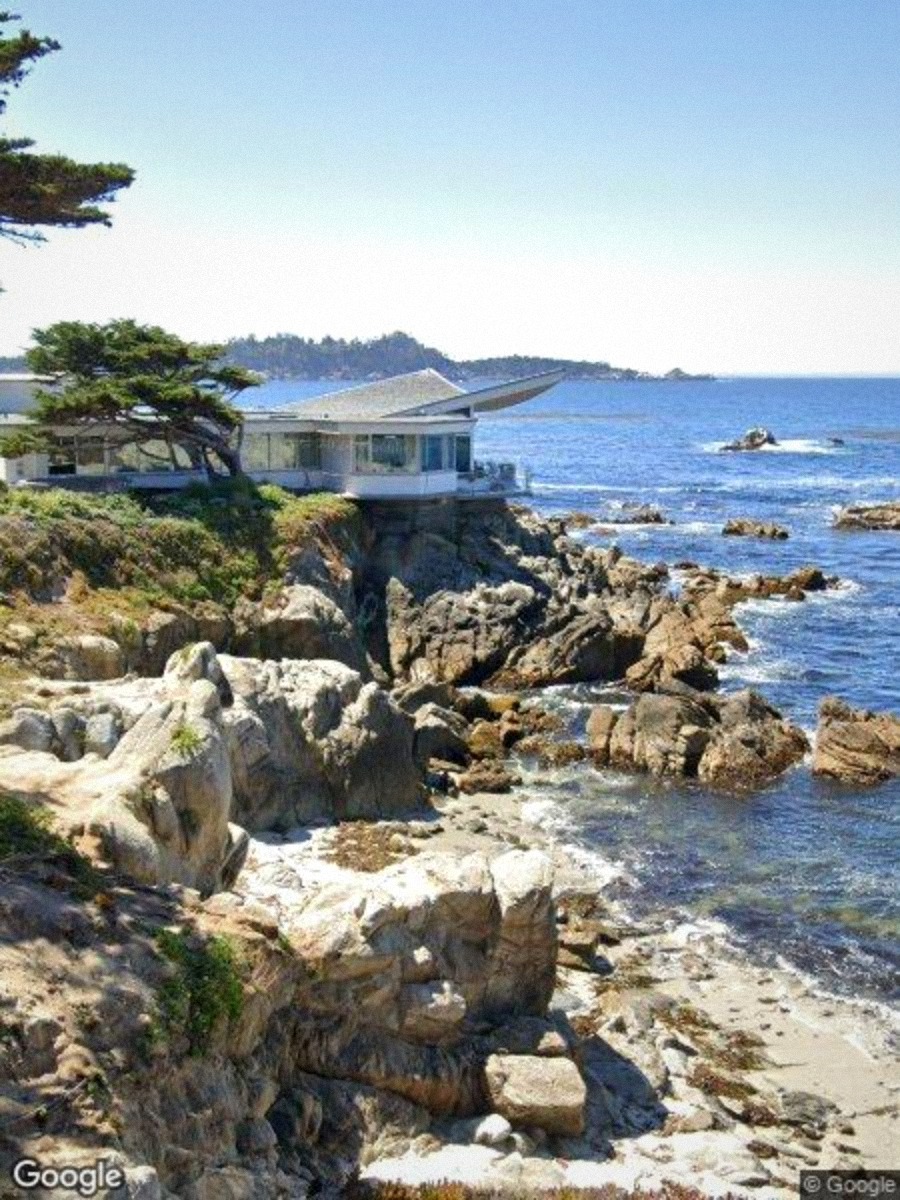 Raw
Raw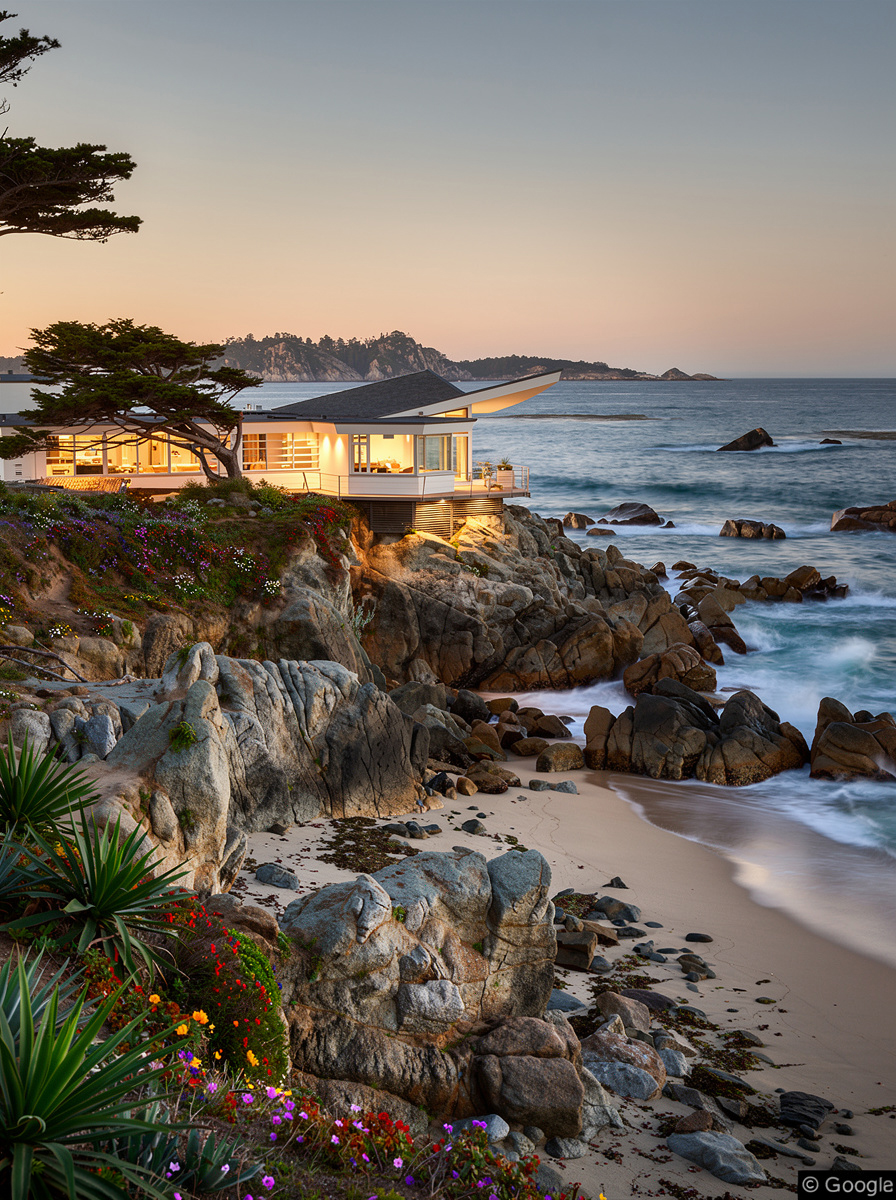 AI Pass
The AI darkroom
A post-production layer built on fal.ai sits behind every captured frame.
AI Enhance uses SeedVR to improve resolution and clean up the source image. Long Exposure uses Flux.2 Pro to reinterpret moving cars, pedestrians, light, and atmosphere. Custom AI allows users to enter their own editing instructions while a fixed prompt prefix helps preserve the original composition and maintain usable results.
Prompts are visible to the user so successful outputs can be understood and reproduced.
Each operation is connected to a Supabase-backed credit ledger. The system tracks the user, selected tool, inference cost, job status, and resulting image without exposing the underlying infrastructure.
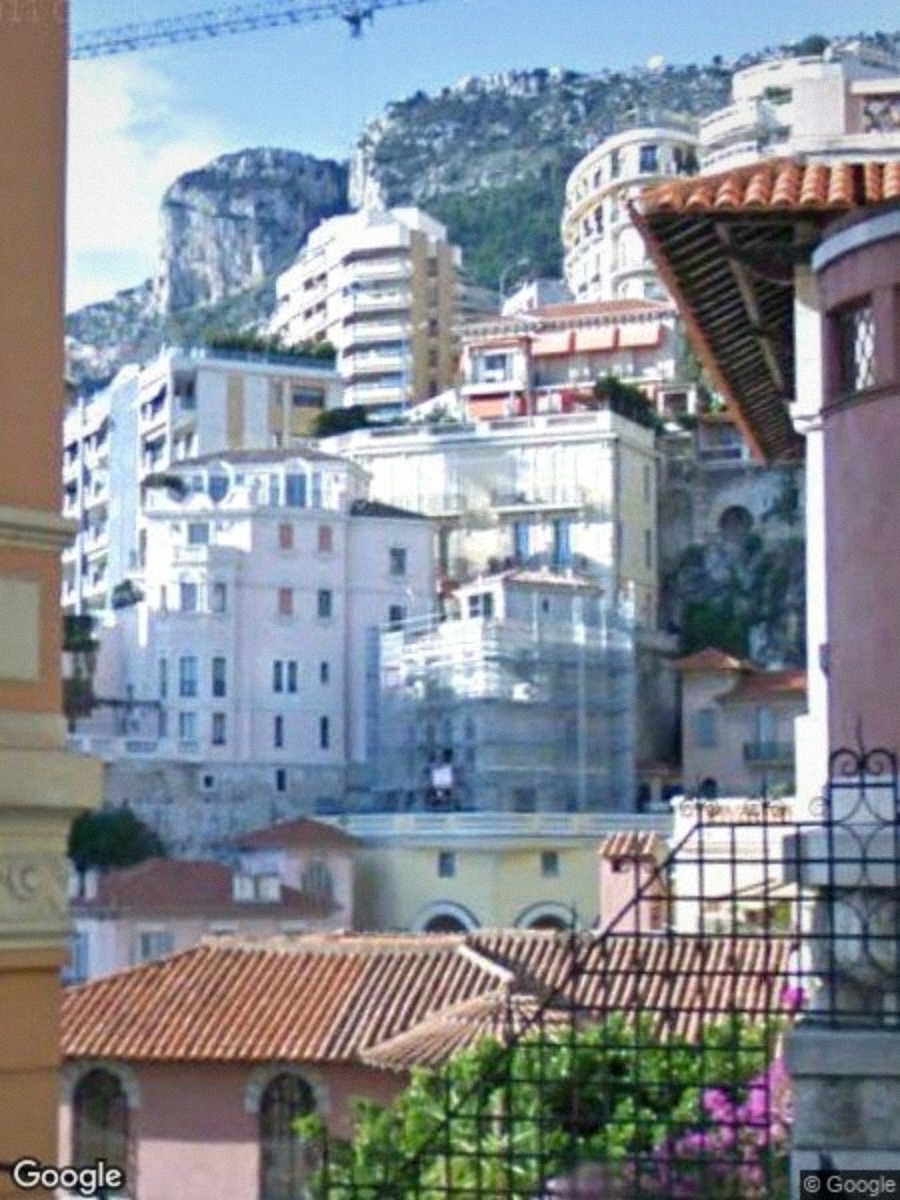 Raw
Raw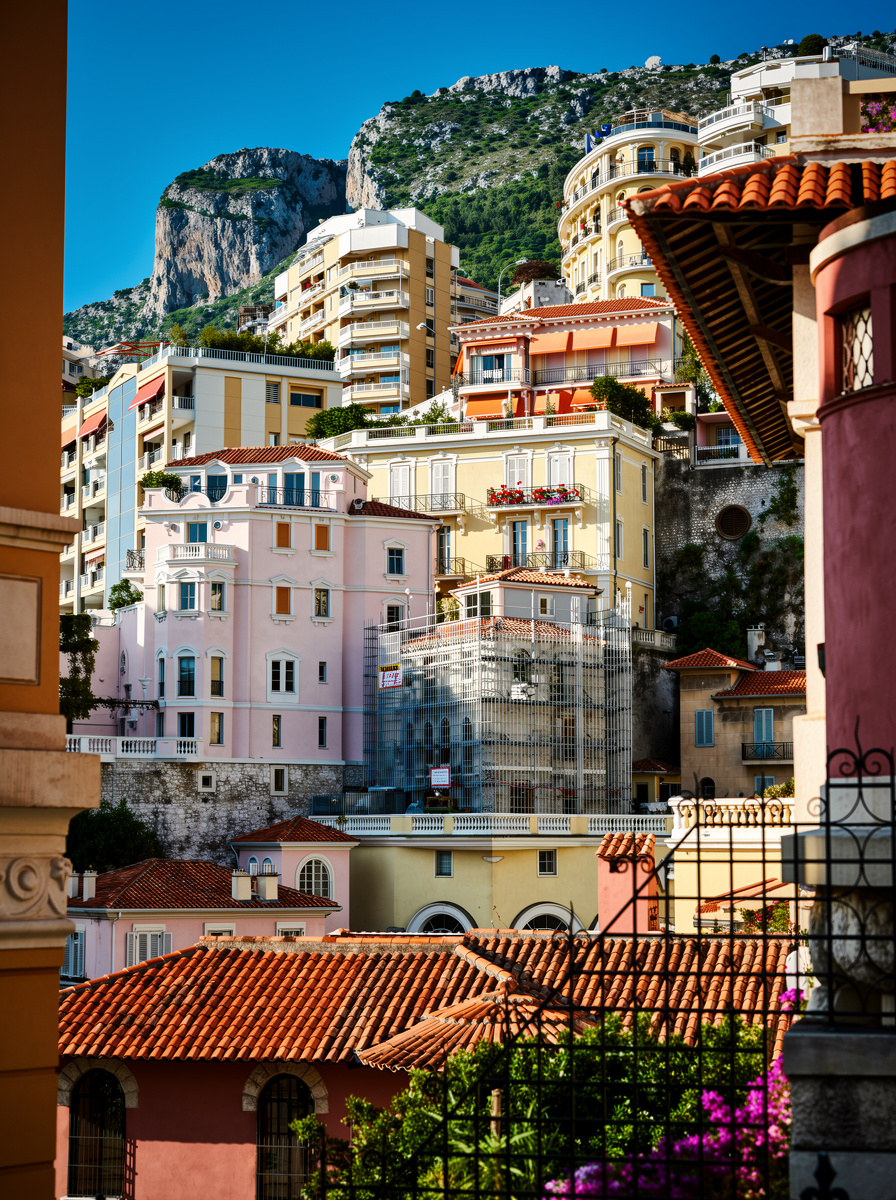 AI Pass
Time travel and discovery
Street View locations often contain years of historical imagery.
STREETVZN exposes those available captures through a horizontal date selector. Choosing a date changes the actual panorama used by the viewfinder and the exported frame, rather than only changing a decorative background layer.
A shuffle control places the camera at a random available panorama, turning the archive into a discovery engine.
Location search supports addresses, landmarks, cities, regions, and less precise queries. When a result does not land directly on supported imagery, the application searches for the nearest usable panorama and moves the camera there.
The goal is not simply to reach a location. It is to find the right frame.
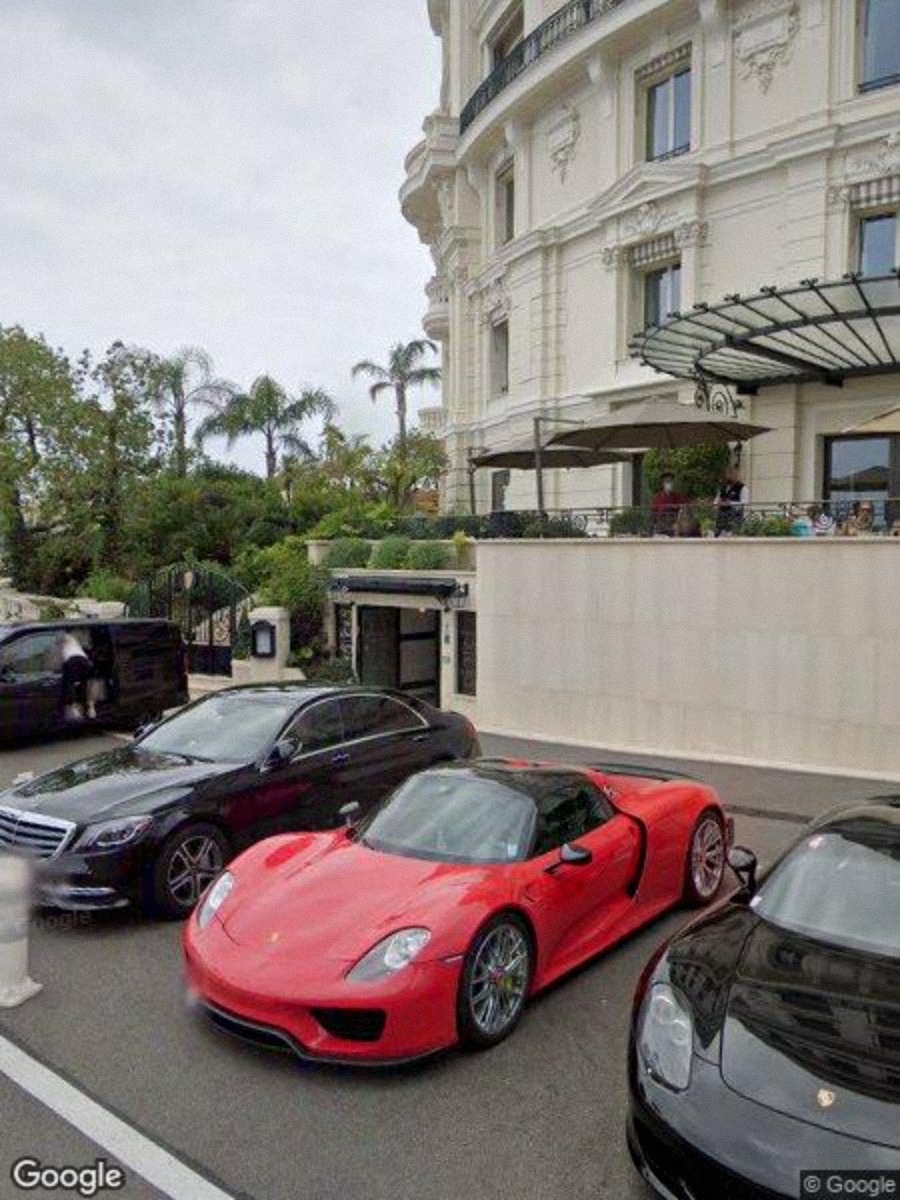 Raw
Raw AI Pass
Stack
Application and interface
React and TypeScript on TanStack Start, with Tailwind CSS for the design system and Framer Motion for interface transitions and editorial motion. All camera parameters live in shared application state - the viewfinder, HUD, lens controls, capture route, and export pipeline read from the same source of truth.
Maps and panoramas
Google Maps JavaScript API with a custom-controlled StreetViewPanorama. Native interface elements are removed or replaced. Pointer, keyboard, and gesture input are handled directly by the application. Reference-resolution scaling maintains a stable internal rendering size - short side above 1200px - so wide-angle framing behaves consistently across portrait and landscape layouts.
Lens math and capture
A custom lensMath.ts module converts focal length into horizontal and vertical field of view for any supported aspect ratio. At shutter time, the application reads the active panorama state directly from the live instance and sends those values to the server-side Static Street View capture route. This shared mathematical model is what keeps the live frame and exported image aligned.
AI darkroom
fal.ai handles inference. Flux.2 Pro powers generative edits and reinterpretation. SeedVR handles image enhancement and upscaling. Typed server functions manage job submission, polling, error handling, credit deduction, and result delivery. Prompt prefixes provide guardrails while keeping the user's requested edit visible and reproducible.
Auth, credits, and storage
Supabase provides authentication, user profiles, storage, and a transactional credits ledger. Each AI operation is assigned a credit cost. Jobs are associated with the authenticated user, and row-level security keeps stored images, job records, and account data isolated.
Delivery
Deployed to Cloudflare Workers through the TanStack Start edge runtime. Public server routes handle capture and AI operations. The rest of the application uses typed server functions for communication between the client, database, and inference services.
Result
STREETVZN started as an experiment in making Google Street View feel less like navigation software and more like a camera.
The project became a complete photographic system built around one requirement: the exported image had to match the frame the user composed. Solving that meant rebuilding the lens calculations, capture behavior, aspect-ratio handling, and panorama controls around a single shared camera model.
The finished tool lets users explore locations, search for compositions, change focal lengths, move through historical imagery, capture clean frames, and process them through an AI darkroom.
It also recreates part of the creative feeling of travel and street photography. You move through unfamiliar places, notice light, architecture, color, scale, and small accidental moments, then try to turn what you find into an image. There is no physical journey, but the process still depends on curiosity, observation, timing, and composition.
STREETVZN does not replace being somewhere with a real camera. It offers a different kind of photographic exploration, using an existing global archive as raw visual material.
VZN ZERO · N° 01 · 2026